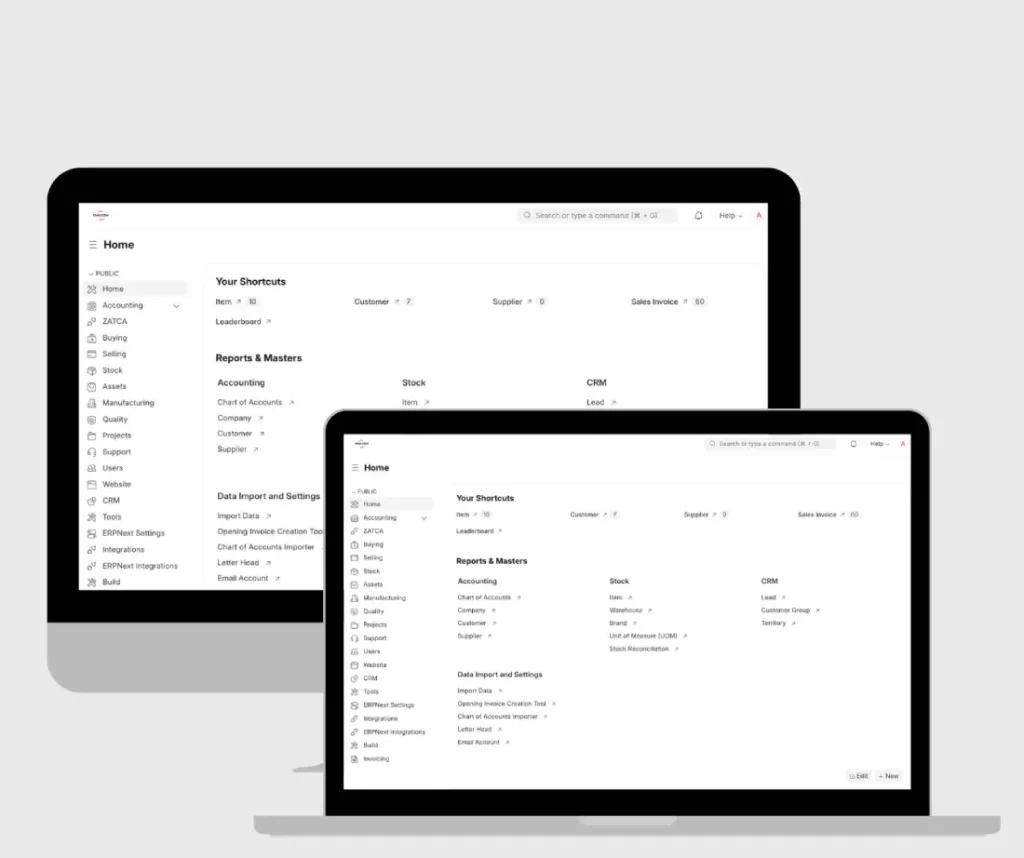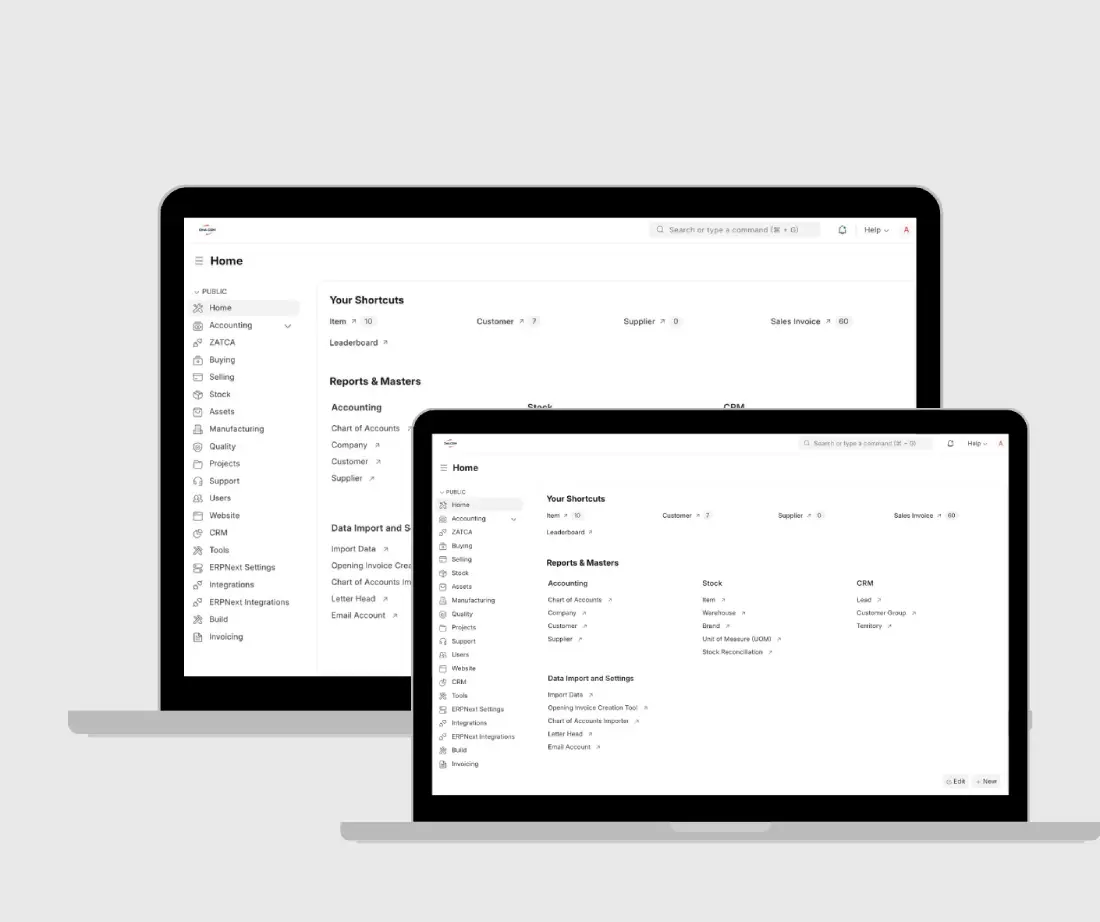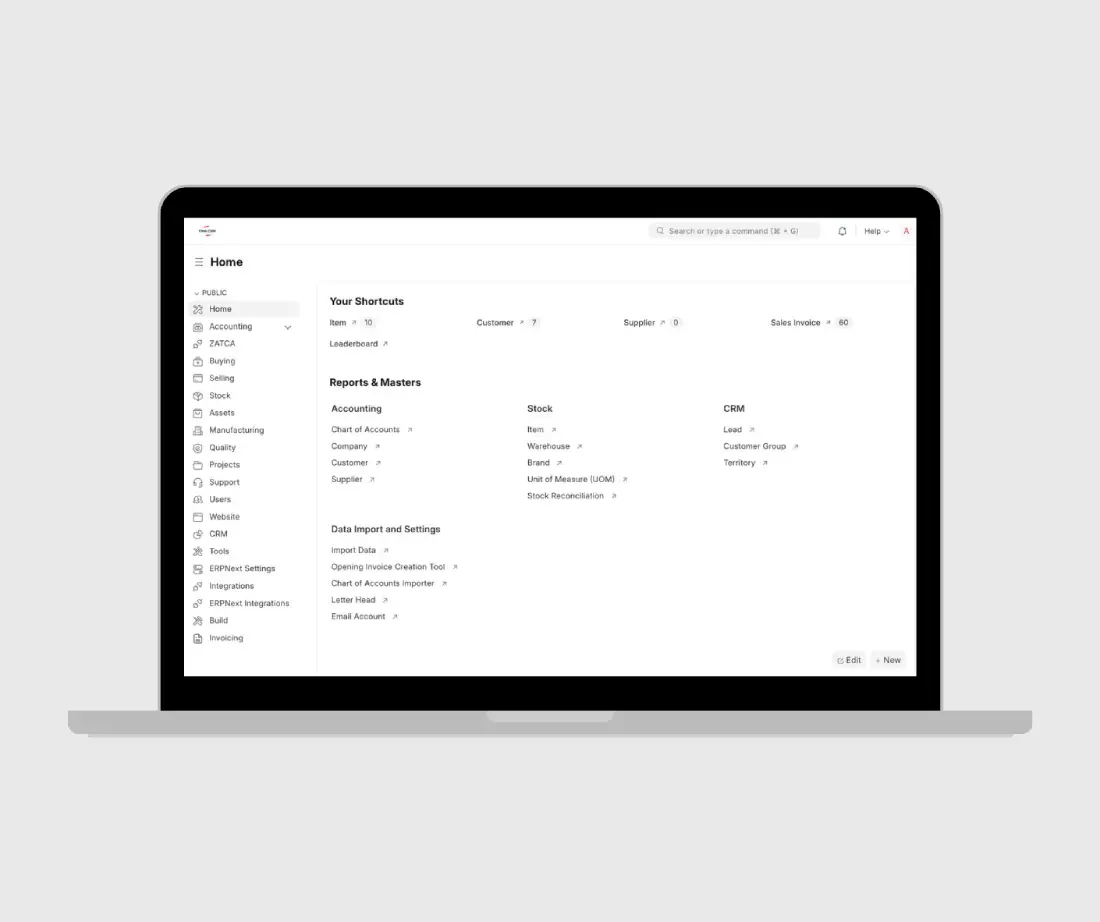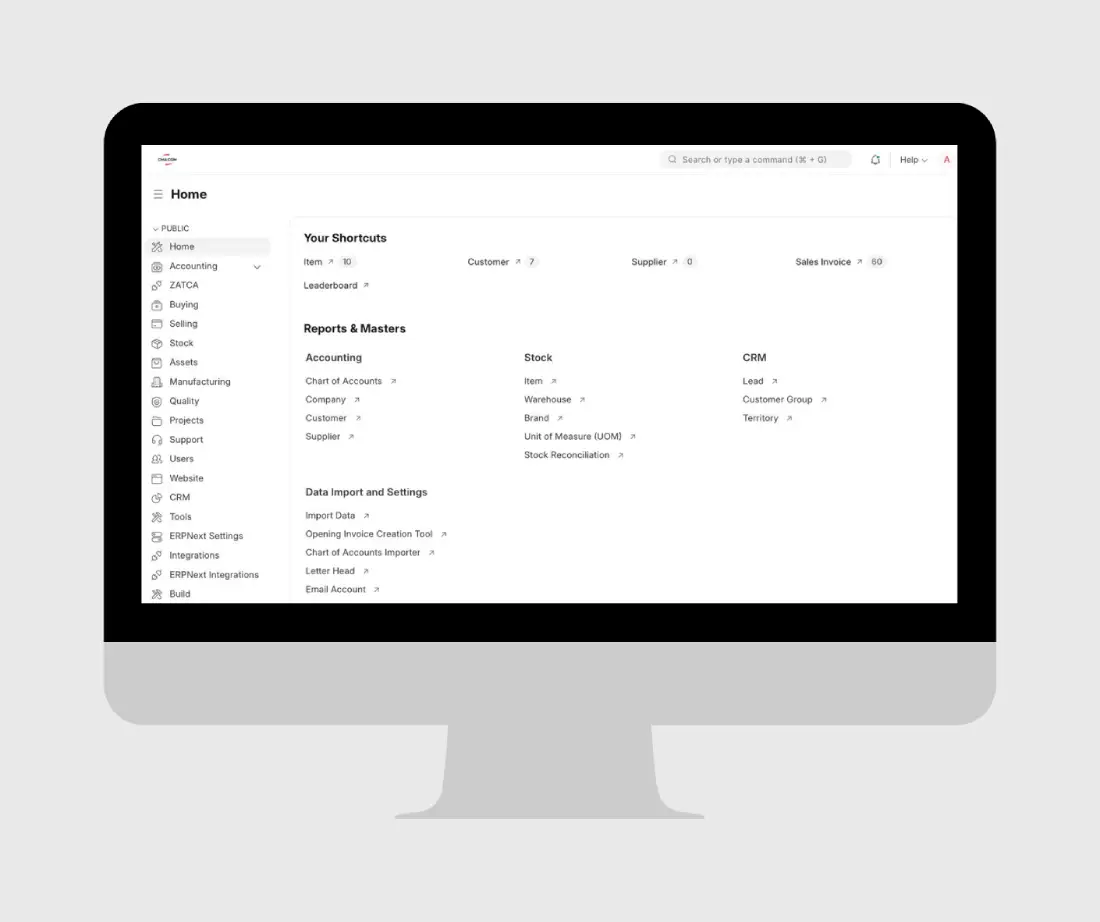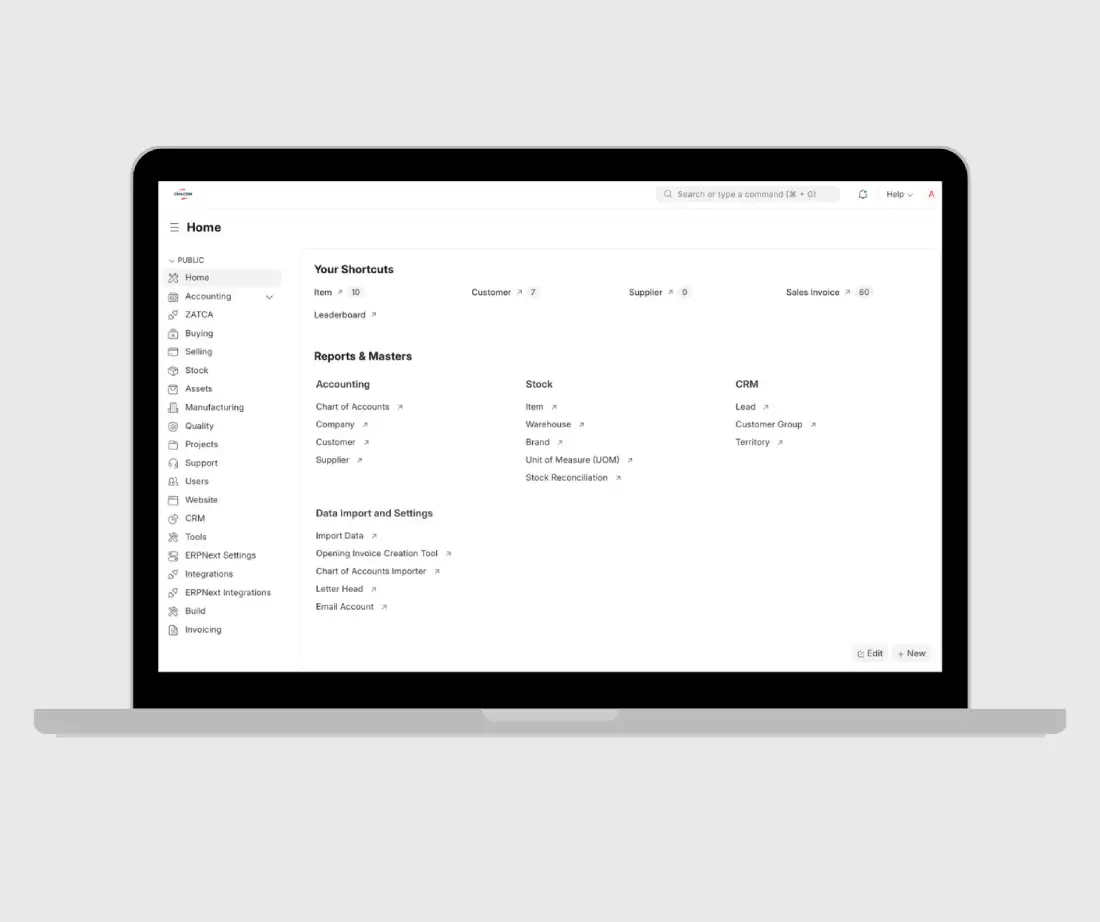
CMA CGM ERPNext ZATCA Integration & Invoice Configuration — Case Study

Overview

CMA CGM / CMA CGM Saudi Arabia Ltd.

CMA CGM is a regional headquarters operation in Saudi Arabia. The client provides management services, including services to non-resident entities in Bahrain and Kuwait Agencies where VAT is not applicable.
Client:

CMA CGM / CMA CGM Saudi Arabia Ltd.

Location:

Jeddah, Saudi Arabia

Industry:

Regional Headquarters / Management Services

Size:
Duration:

November 19, 2025

Type:

ERPNext ZATCA Integration & Invoice Configuration

CMA CGM ERPNext ZATCA Integration & Invoice Configuration — Case Study 1

01

The Challenge

CMA CGM required an ERPNext invoicing setup that could support multiple invoice types under Saudi ZATCA compliance.

The system needed to correctly handle Standard B2B invoices with 15% VAT, Simplified B2C invoices with 15% VAT, export invoices with zero tax, and tax-not-applicable management service invoices for non-resident entities.

Key challenges included:

  • Supporting multiple ZATCA-compliant invoice scenarios in ERPNext.
  • Connecting the ERPNext system with ZATCA’s Live Server.
  • Ensuring QR code visibility and verification.
  • Configuring correct invoice numbering and ZATCA statistics visibility.
  • Enhancing print formats with Arabic RTL formatting.
  • Refining invoice branding, logo display, Arabic font size, QR code size, and address formatting.
  • Creating users and enabling the client team to generate compliant invoices.
CMA CGM ERPNext ZATCA Integration & Invoice Configuration — Case Study 3
CMA CGM ERPNext ZATCA Integration & Invoice Configuration — Case Study 5

Our Solution

StandardTouch configured ERPNext to support CMA CGM’s invoicing, compliance, and reporting requirements.

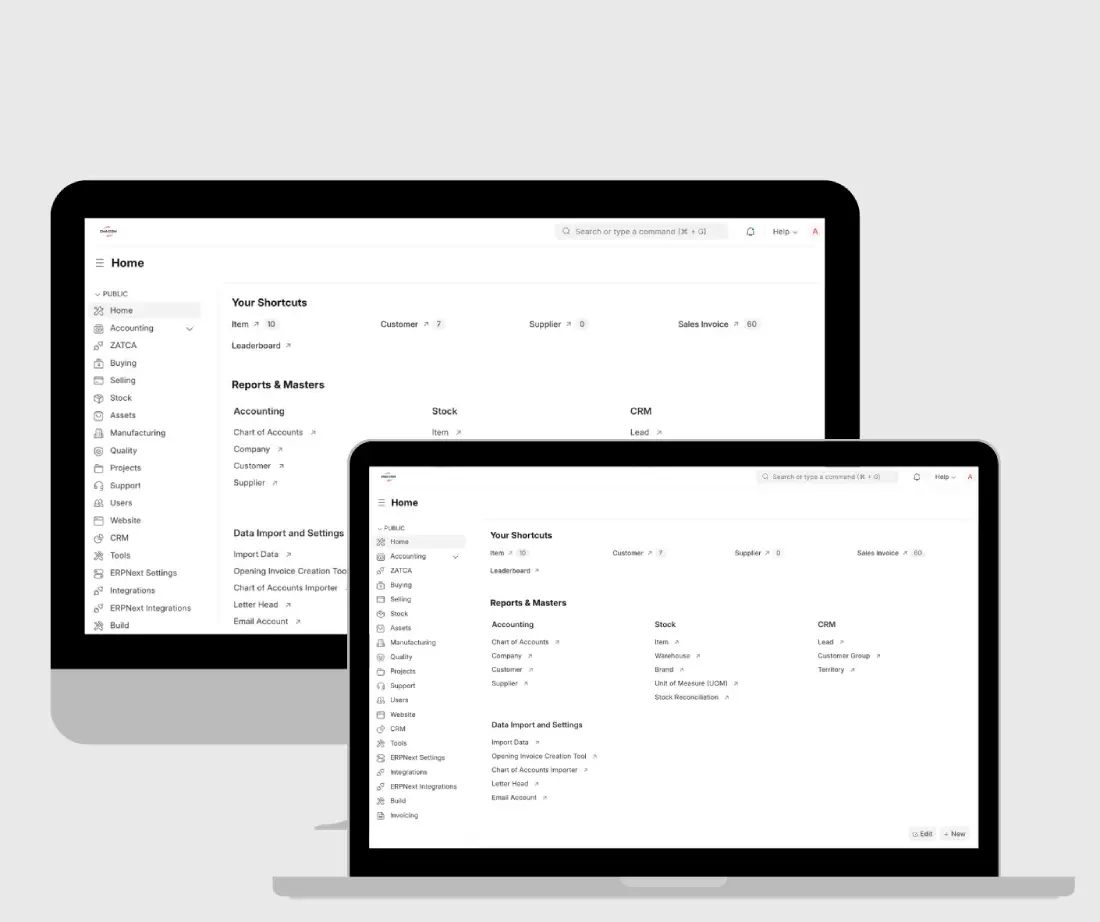
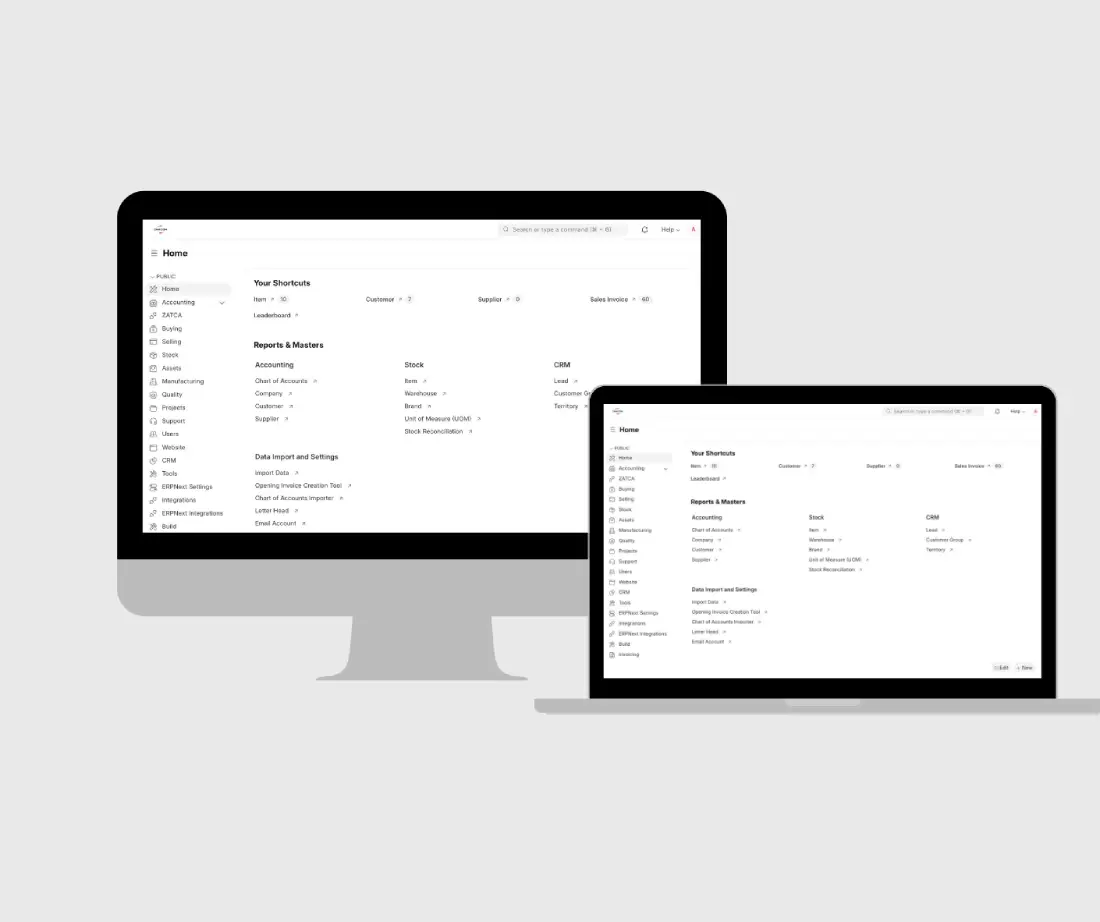
  • Configured ERPNext for Item, Customer, Address, User, and Sales Invoice creation.
  • Connected the ERPNext system to ZATCA’s Live Server.
  • Verified compliant invoice output through QR code validation.
  • Configured invoice numbering starting from 202511-00019.
  • Created and updated two ERP user IDs for the client team.
  • Configured ZATCA statistics viewing for invoice monitoring.
  • Enhanced the invoice print format with Arabic RTL formatting.
  • Adjusted logo sizing and color for better brand presentation.
  • Increased Arabic font size and enlarged the QR code.
  • Added Arabic country name display and removed duplicate postal code display.
  • Provided invoice creation demonstration and training/tutorial video support.

02

Tech Stack

ERPNext
Frappe Framework
ZATCA Live Server Integration
QR Code Verification
Custom Print Formats

Services

ERPNext implementation
ZATCA integration
invoice configuration
invoice sequence setup
print format customization
Arabic RTL formatting
user setup
ZATCA statistics configuration
training video support
invoice creation demo
compliance testing
CMA CGM ERPNext ZATCA Integration & Invoice Configuration — Case Study 4

Live Preview

The Impact

Quantifiable Results

ZATCA Integration

Not connected → Successfully connected to ZATCA Live Server on November 27, 2025

Compliance Verification

Pending validation → Compliant invoice verification confirmed through QR code validation

Onboarding

Setup in progress → Successful onboarding confirmed through ZATCA Live Server Portal image

Users

No configured ERP users → 2 users configured: Ismail Mohammed and Abdullah Mandhur

Invoice Numbering

Not configured → Sequence configured from 202511-00019

Print Format

Required refinement → Arabic RTL, logo, QR code, font size, country name, and postal code improvements completed

Training

Client required invoice guidance → Invoice creation process demonstrated with training support

Explore More Projects