Google Workspace Setup Services

Google Workspace Setup in Saudi Arabia for Fast, Reliable Business Email Onboarding.

StandardTouch provides structured Google Workspace setup in Saudi Arabia for companies launching professional Gmail and cloud collaboration under their own domain. When you’re rolling out email for new teams in Riyadh, Jeddah, or Khobar, you can’t afford bounced client inquiries, missed DNS records, or chaotic user access. We verify your domain, configure DKIM and DMARC authentication, set up users and collaborative groups, and guide your administrators through a clear handover.

SETUP OVERVIEW
Business Domain Verified
Email DNS Configured
Users & Groups Prepared
Security & Admin Handover
ASSESS . PLAN . CONFIGURE . VERIFY

A Reliable Google Workspace Foundation for Saudi Businesses.

Google Workspace connects Gmail, Drive, Calendar, Meet, Chat, Docs, Sheets, and Slides within one managed environment. But the day-to-day experience hinges entirely on a sound initial setup.

A dependable rollout demands the right edition, verified domain ownership, accurate DNS records, properly structured accounts, and secure administrator controls working in unison.

Domain Verification & Ownership

Verify root domain control and confirm DNS access before provisioning business mailboxes across your company.

DNS & Email Delivery Authentication

Configure MX, SPF, DKIM, and DMARC records to protect domain reputation and keep your business mail out of spam folders.

User Accounts & Security Controls

Organize users, departmental aliases, collaborative groups, and multi-factor authentication for safe daily management.

ASSESS . PLAN . CONFIGURE . VALIDATE . HANDOVER

Google Workspace setup built around domain control and reliable delivery.

Implement Google Workspace through a structured setup aligned to your domain, users, security requirements, and team collaboration needs across Saudi Arabia.

01

Assess (Reviewed)

User counts, domain registrar access, account structures, and administration requirements reviewed before setup begins.

02

Plan (Planned)

Workspace editions, mailbox naming conventions, departmental aliases, and security policies mapped into a clear rollout plan.

03

Configure (Configured)

Domain ownership verified, MX routing and authentication records deployed, and users, groups, and admin roles provisioned.

04

Validate (Verified)

Inbound and outbound email flow tested, authentication records validated, and administrator credentials handed over with documentation.

GOOGLE WORKSPACE SETUP

Implement Google Workspace through a structured, predictable setup.

Google Workspace setup combines requirements planning, edition guidance, domain verification, DNS configuration, user and group creation, administrator controls, security settings, testing, and handover into one coordinated service. Our business-email team reviews your domain access, user count, account structure, collaboration needs, security expectations, and administrative responsibilities. We then prepare a practical setup plan before any records or accounts are touched.

Requirements Review & Edition Planning

Evaluate team sizes, storage demands, meeting tools, and administration expectations to pick the right Google Workspace tier.

Domain Verification & DNS Routing

Confirm DNS access and deploy verified TXT and MX records so Google services connect directly to your web domain.

Accounts, Aliases & Groups

Provision licensed user mailboxes, shared info@ and sales@ distribution aliases, and functional organizational units.

Security Baseline & Handover

Enforce multi-factor authentication, set account recovery parameters, and supply clear admin guidelines to your internal staff.

CORE SETUP SERVICES

Our Google Workspace setup services.

Everything required to configure Google Workspace correctly for professional email, cloud collaboration, and controlled administration. Each service follows a proven implementation workflow—from requirements and domain verification to user configuration, security, testing, and handover.

01
Requirements Review & Edition Planning

Review user count, business roles, storage, meetings, collaboration needs, security requirements, and administration expectations before selecting a suitable Google Workspace edition.

02
Domain Verification & Ownership Setup

Verify domain ownership, confirm DNS access, and connect the organisation's approved domain to its Google Workspace environment.

03
MX, SPF, DKIM & DMARC Configuration

Configure supported email-routing and authentication records so Gmail sends and receives reliably while protecting domain reputation.

04
Admin Console & Organisational Setup

Secure primary administrator access and organize settings, organizational units, services, and administrative privileges according to agreed scope.

05
Users, Aliases & Groups Configuration

Create licensed user accounts, email aliases, collaborative groups, and appropriate administrator roles using an approved account structure.

06
Security, MFA & Recovery Settings

Configure 2-step verification, recovery contact options, access policies, and baseline security controls to protect company mailboxes.

07
Email-Flow Testing, Handover & Support

Test incoming and outgoing message routing, aliases, and user logins, then provide administrator documentation and post-setup guidance.

PROVEN SETUP CAPABILITIES

Our Google Workspace setup portfolio.

Google Workspace implementations focused on accurate domain configuration, professional Gmail, secure administration, and dependable user access across Saudi Arabia. Explore StandardTouch’s setups, DNS configurations, and wider business-email work.

New Business Email Setup

Domain & Workspace Implementation: Domain verification, Workspace activation, and professional Gmail accounts prepared for a new corporate environment.

DNS & Email Authentication

MX, SPF, DKIM & DMARC Setup: Accurate routing and authentication records configured and tested for dependable Google Workspace email.

User & Admin Configuration

Accounts, Groups & Controls: Users, aliases, groups, administrator roles, and baseline security settings configured for practical daily management.

SETUP WORKFLOW

Our Google Workspace setup process.

A clear workflow from requirements and edition planning to configuration, validation, and administrator handover. A structured process keeps licensing, domain access, DNS, accounts, security, and responsibilities organized around real business requirements.

01
Business & User Assessment

From your initial brief, we review user counts, domain ownership, current mail hosting, storage needs, security rules, and administrative access.

02
Edition & Account Planning

Map the selected Google Workspace edition, user licenses, aliases, distribution groups, DNS prerequisites, and administrator roles into a clear plan.

03
Domain Verification & DNS Setup

Verify domain ownership, secure administrator access, and configure approved Google Workspace routing and authentication records.

04
Users, Aliases, Groups & Policies

Provision team mailboxes, set up shared aliases and groups, assign administrator roles, and establish organizational unit policies.

05
Email-Flow, Security & Access Validation

Test inbound and outbound mail delivery, authentication alignments, user logins, alias routing, and security policies before handover.

06
Handover, Documentation & Support

Deliver administrator documentation, provide user setup guidelines, outline security best practices, and confirm the ongoing support path.

GET IN TOUCH

Discuss Your Google Workspace Setup Requirements

"*" indicates required fields

A CORRECT SETUP FROM THE BEGINNING

Build a dependable Google Workspace environment before users begin relying on it.

Incorrect domain records, messy account structures, or flawed access settings trigger delivery problems, administrative headaches, and avoidable user confusion. Accurate information and controlled configuration eliminate these headaches from day one.

StandardTouch handles new Google Workspace deployments from initial planning through final handover across Saudi Arabia. If existing mailboxes or legacy archives need to be transferred, we assess those separately and recommend an appropriate Google Workspace migration service.

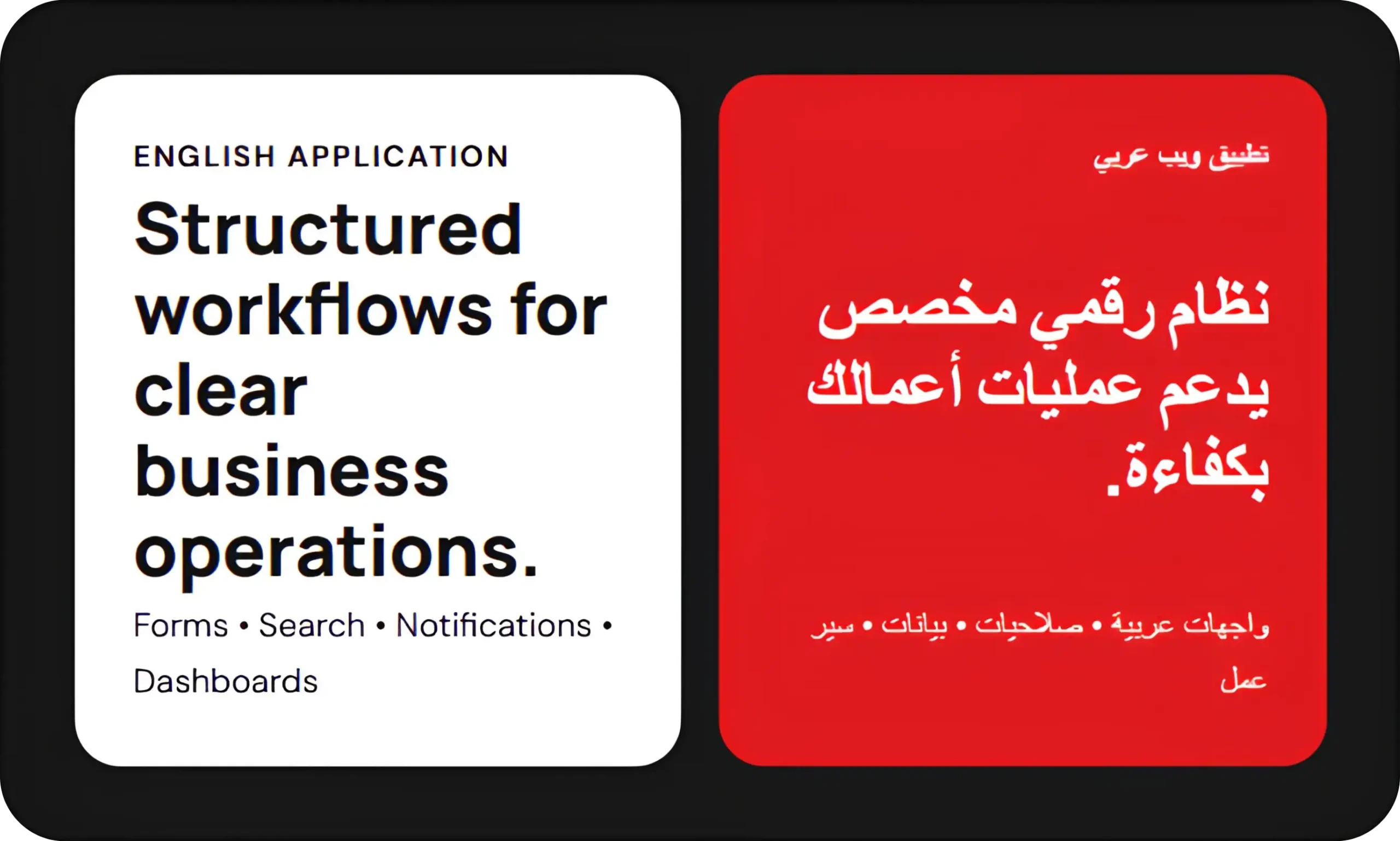
Custom applications for bilingual organisations
SETUP DISCIPLINES

Structured around what makes Google Workspace setup succeed.

Assessment (Reviewed)

User counts, domain access, and business requirements reviewed to establish clear setup parameters.

Planning (Planned)

Edition tiers, account conventions, and administration responsibilities organized into a concrete implementation roadmap.

Configuration (Configured)

Domain verified, DNS records published, and user accounts, aliases, and security policies provisioned accurately.

Validation (Verified)

Email delivery, authentication records, and user device access verified before final operational handover.

WHY CHOOSE STANDARDTOUCH

Saudi-focused Google Workspace setup expertise.

Our broader digital capabilities help Google Workspace remain connected to domain management, website hosting, security, and wider business-email services across the Kingdom.

Saudi-Focused Expertise

Our Google Workspace setup services are tailored to Saudi business requirements and organizations across Riyadh, Jeddah, and Dammam.

Workspace & DNS Configuration

Google Workspace, Gmail, domain, and DNS knowledge work together for a more reliable setup, practical troubleshooting, and confident administration.

Structured Workflow

Assessment, planning, configuration, validation, and handover keep implementation organized and transparent.

Wider Digital Alignment

Google Workspace connects professional email, shared drives, team calendars, meetings, and collaboration tools under one unified architecture.

FREQUENTLY ASKED QUESTIONS

Google Workspace Setup FAQs

Common questions from businesses evaluating Google Workspace setup services in Saudi Arabia.

What is included in Google Workspace setup?

Our setup service covers requirements review, edition planning, domain verification, DNS configuration, administrator setup, users, aliases, groups, security settings, testing, and handover according to your agreed scope.

Yes. A domain you own or control is required for professional Google Workspace email. We assist with domain verification and all necessary DNS configurations across your registrar.

Yes. We configure user mailboxes, departmental email aliases, collaborative groups, and administrator roles according to an approved organizational structure.

Yes. We configure supported DNS records for Google Workspace, including MX, SPF, and DKIM. DMARC is prepared according to your email architecture and security policies.

Yes. Historical mailbox and data transfer is available as a separate related service after we audit the existing provider, mailbox volumes, and protocol compatibility.

Yes. Post-setup support covers user changes, aliases, groups, Gmail settings, administrator queries, delivery troubleshooting, and ongoing security guidance.

Set up Google Workspace correctly with professional guidance for domains, DNS, users, security and administration.

Equip your organization with professional Gmail, connected collaboration tools, and dependable setup support. StandardTouch provides Google Workspace setup services for businesses across Saudi Arabia.