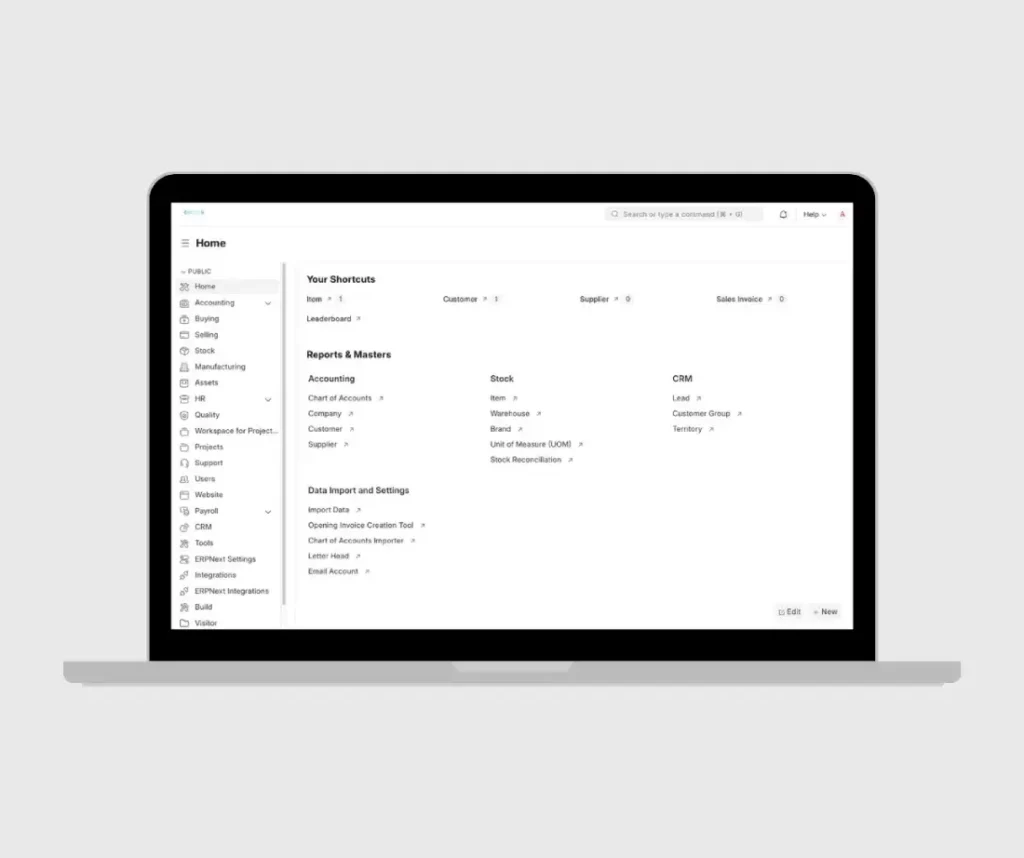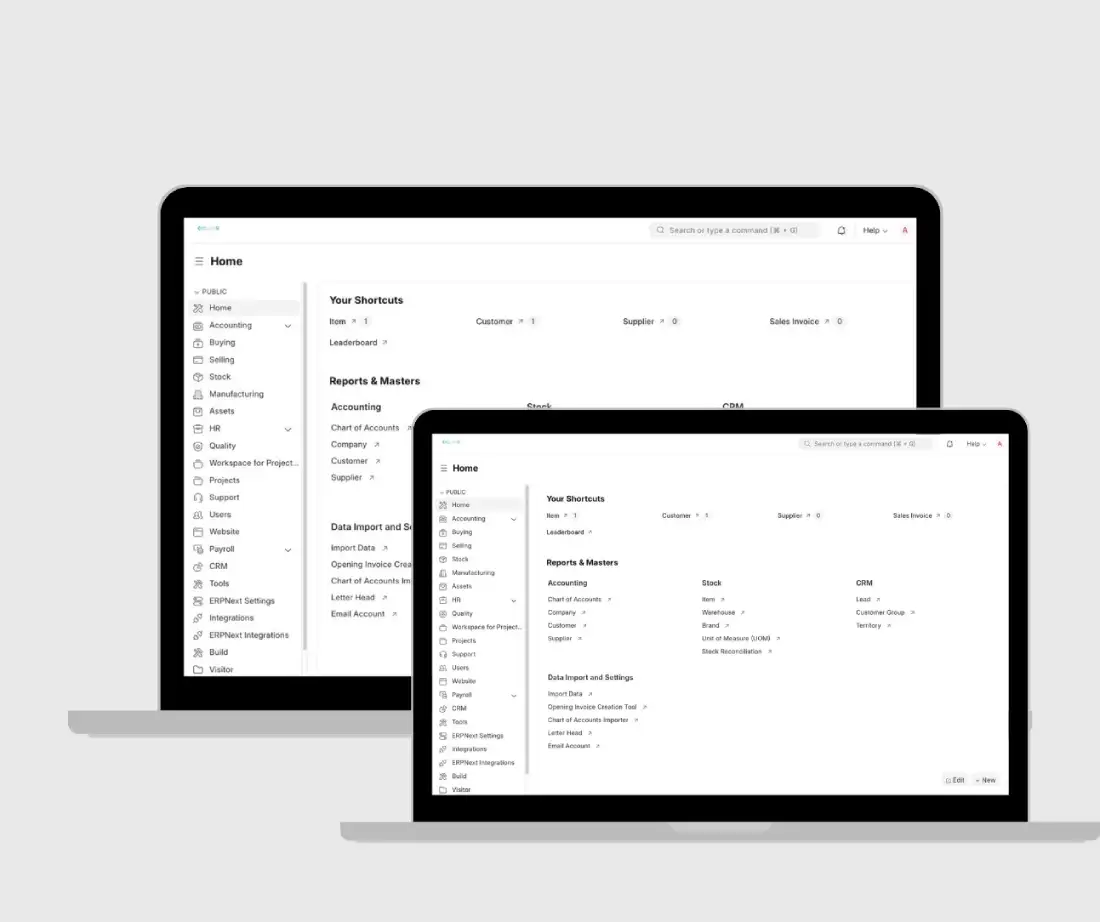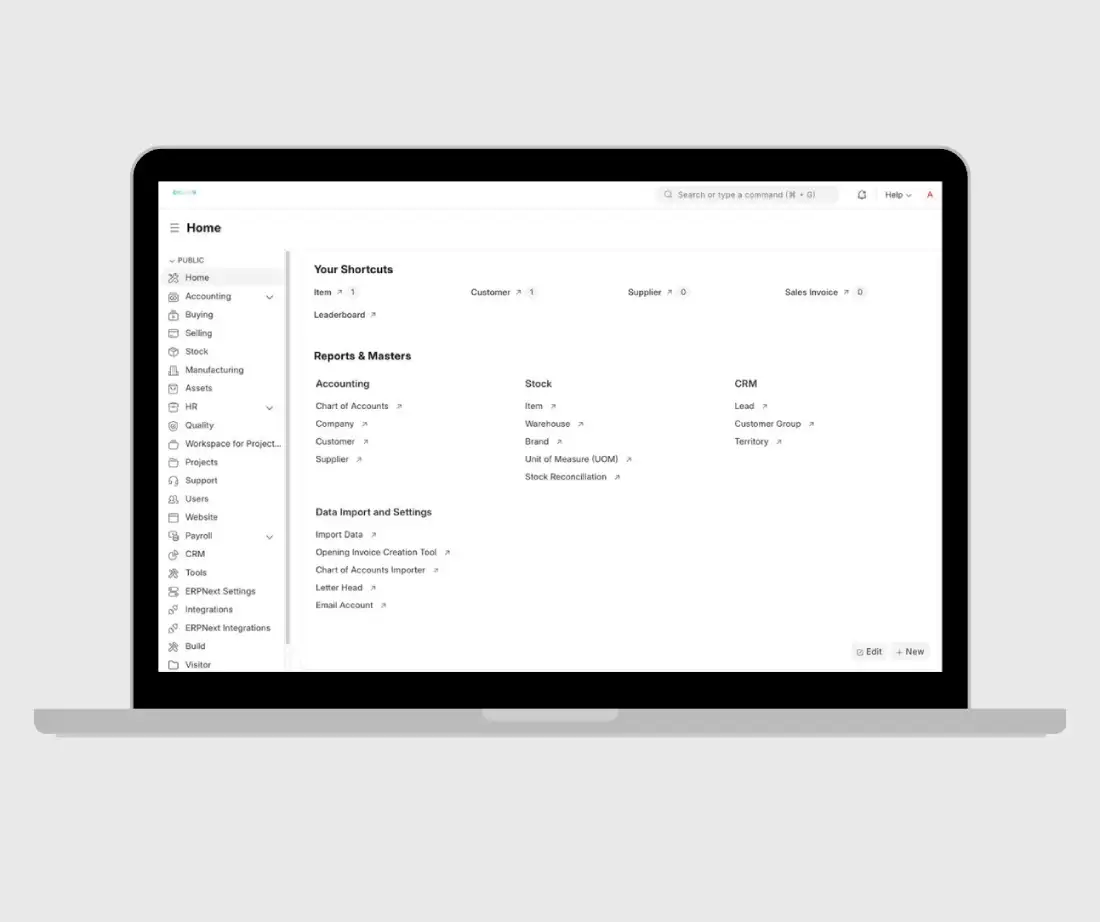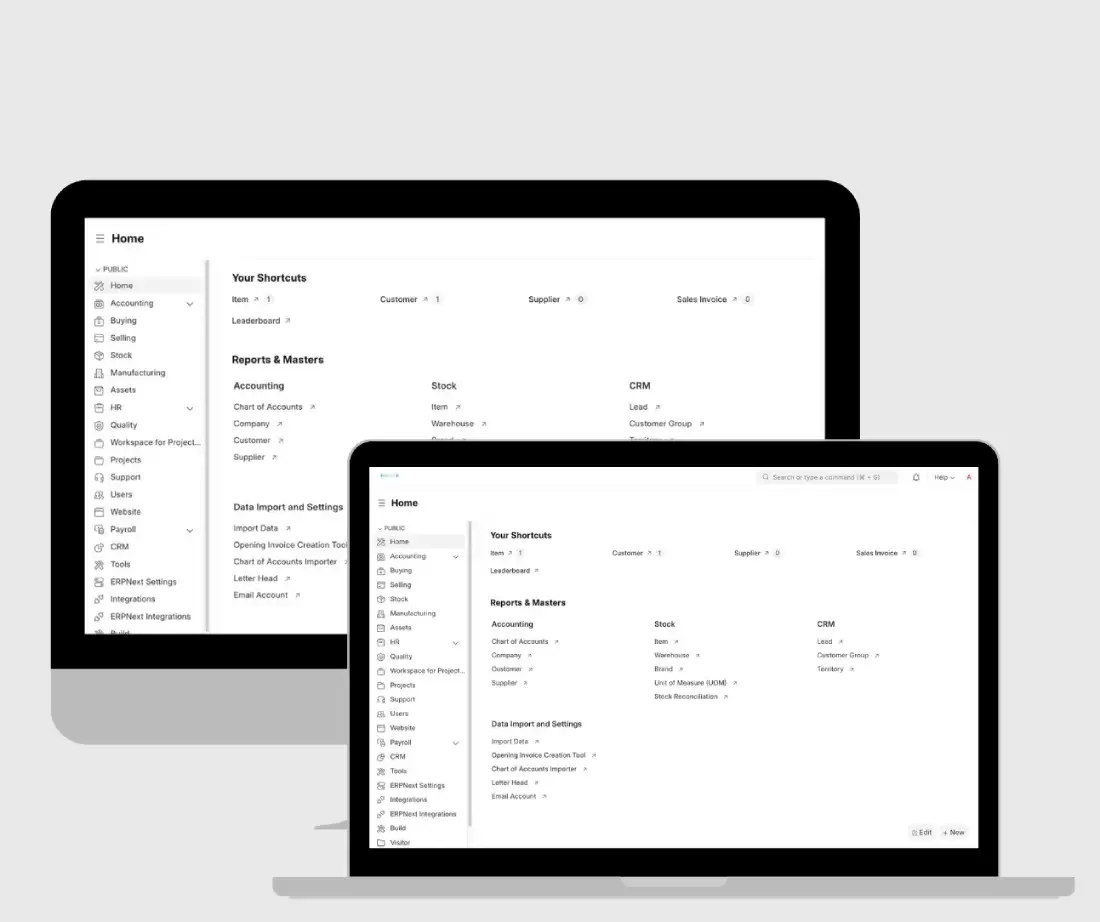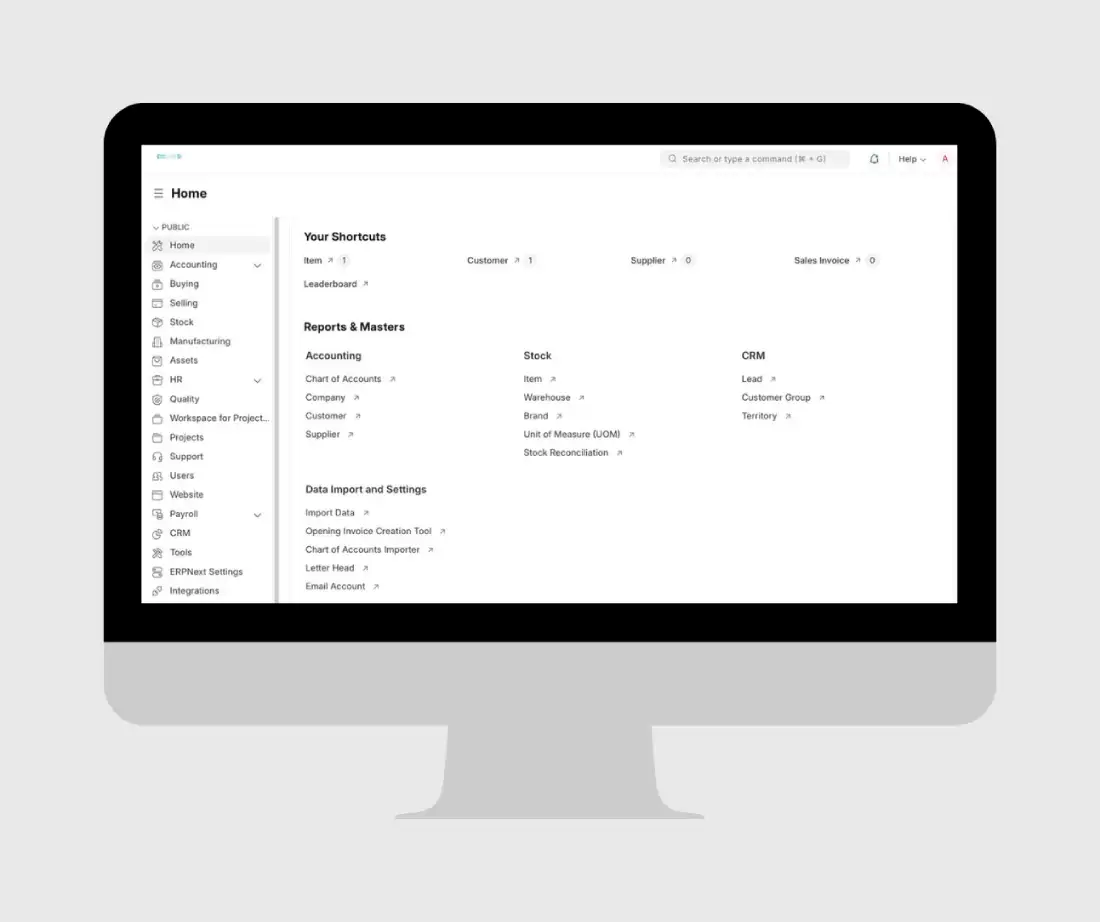
SBK Reston ERPNext Project Management Module Implementation & Customization — Case Study
Overview
SBK Reston / Kreston Sindi Batterjee
Client:
SBK Reston / Kreston Sindi Batterjee
Location:
Jeddah, Saudi Arabia
Industry:
Accounting / Auditing / Tax & Consulting
Size:
51–200 employees
Duration:
January 6, 2025 – October 26, 2025
Type:
ERPNext Project Management Module Implementation & Customization
01
The Challenge
SBK Reston needed a practical Project Management System to improve internal efficiency, follow-up, workflow control, and task monitoring.
During implementation, the client raised concerns around project creation permissions, project manager visibility, system manager access, branch-based restrictions, task approval flow, commission percentage visibility, and dashboard reporting. A key challenge was that when an employee or project manager created a project, the visibility and approval behavior did not fully match the client’s organizational workflow.
Key challenges included:
- Standard ERPNext Project module did not fully match SBK Reston’s internal workflow.
- Project creation and approval permissions required custom handling.
- Project managers needed controlled visibility based on their role and branch.
- System Manager access and project visibility needed to be refined.
- Commission percentage visibility had to be restricted.
- Financial dashboard reporting needed improvement.
- Client concerns remained around final usability and unresolved permission logic.
Our Solution
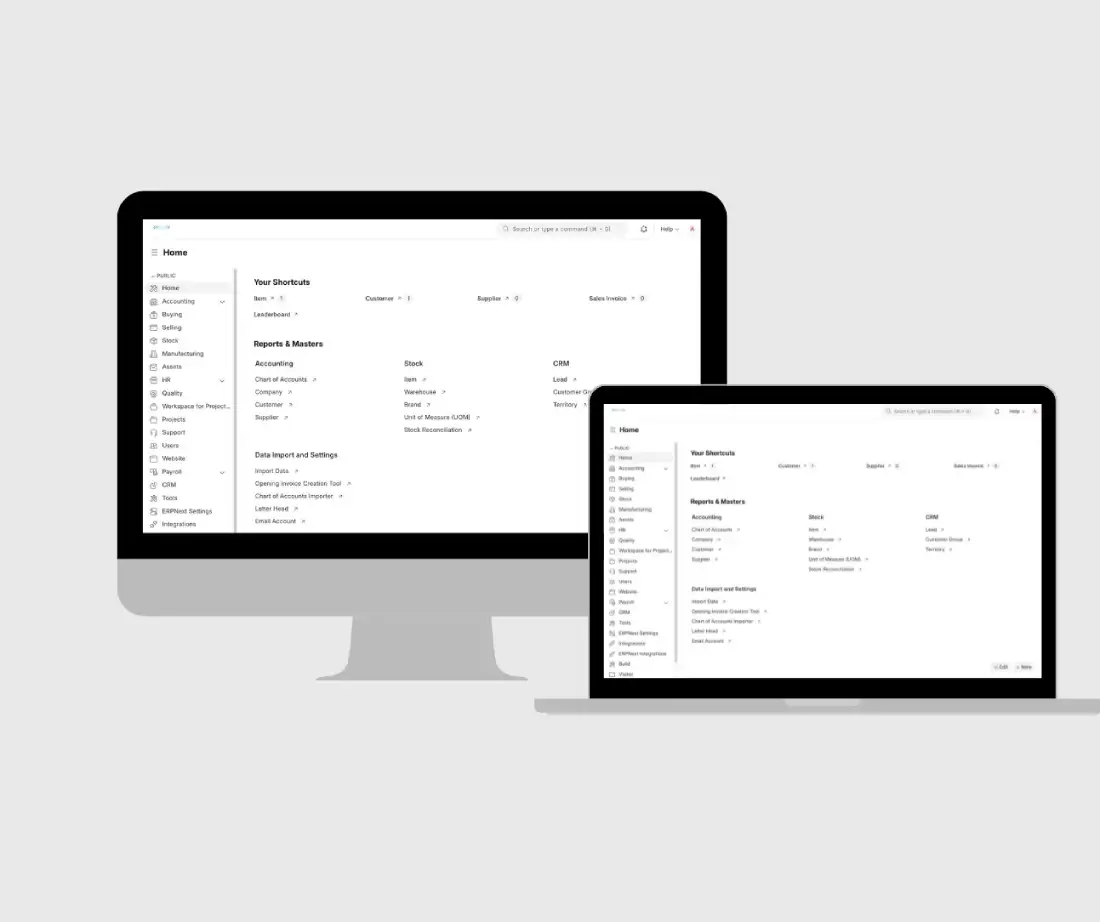
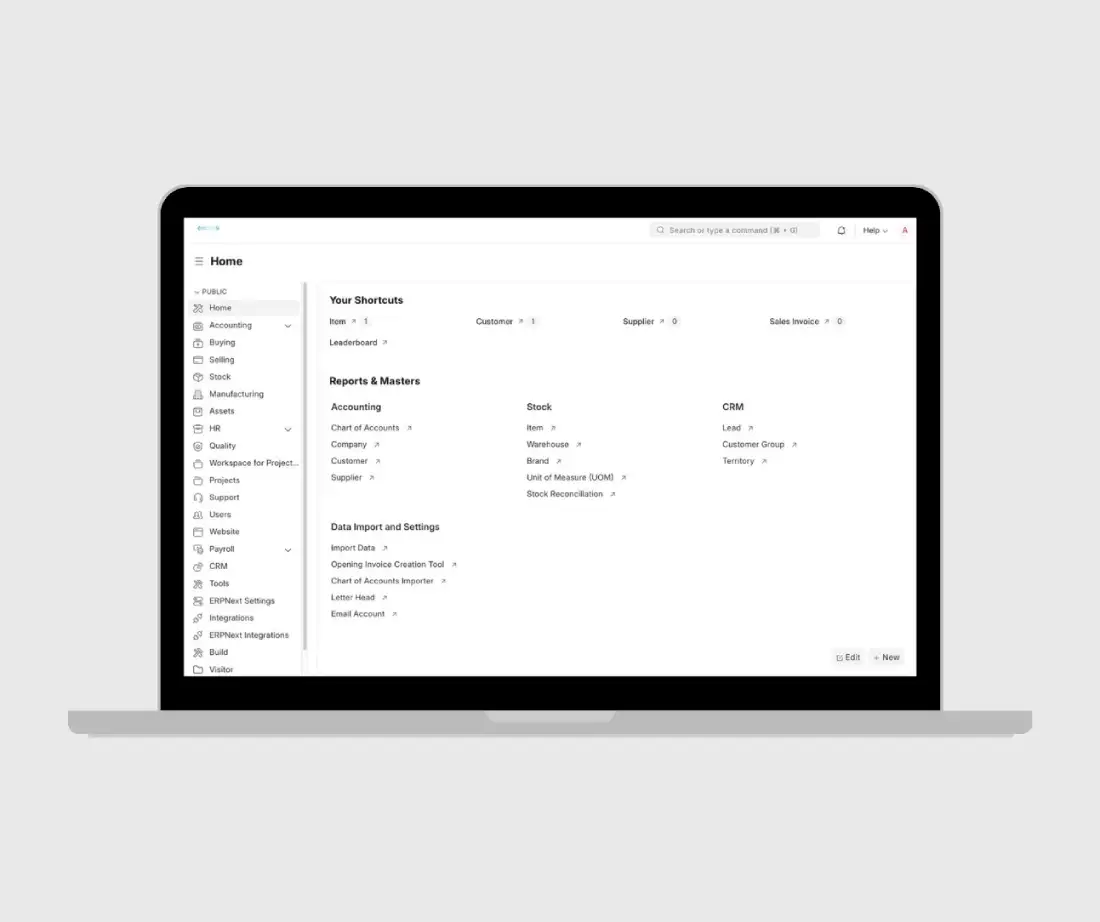
StandardTouch customized ERPNext’s Project module to support SBK Reston’s required project management workflows.
- Developed a custom app to override ERPNext’s standard behavior for project visibility and project creation restrictions.
- Configured custom permission rules for project creation, project access, and project manager visibility.
- Worked on branch-based user visibility and department-based filtering.
- Customized task assignment behavior and supported task approval workflow discussions.
- Improved financial dashboard reporting with project and department filters.
- Adjusted project display so project names appeared instead of only project IDs.
- Worked on commission tab access control for sensitive financial information.
- Configured internal notification requirements.
- Conducted repeated testing, Google Meet discussions, Loom walkthroughs, and MOM documentation to validate the workflows.
02
Tech Stack
ERPNext
Frappe Framework
Custom Frappe App
Python
JavaScript
ERPNext Project Module
Custom Scripts
User Permissions
Loom
Services
ERPNext implementation
Project module customization
custom app development
project visibility configuration
project creation permission setup
project manager role configuration
system manager permission setup
branch-based access control
user permission configuration
task assignment customization
task approval workflow support
financial dashboard customization
project and department filters
commission tab permission setup
internal notification configuration
ongoing issue resolution
The Impact
Quantifiable Results
Project Module
Vanilla ERPNext setup → Customized Project module with custom app and scripts
Project Visibility
Standard visibility → Custom project manager and branch-based visibility restrictions
Dashboard
Basic reporting → Financial dashboard improvements with project and department filters
Project Display
Project ID-focused display → Project name display improved
Permissions
Standard role permissions → Branch/user permission updates and commission tab access changes
Task Handling
Standard task flow → Auto-assignment functionality and task workflow improvements
Validation
Restrictions unclear → Some restrictions demonstrated and confirmed as functioning during meetings
Explore More Projects
- Digital Marketing, UI UX Designing
- Android App Development, App Development